
How to Remain Anonymous Online and Protect Your Privacy
Every time you browse a website, use social media, or download an application, you potentially leave behind information about yourself. Websites collect IP addresses, cookies, browsing patterns, and device details. Advertisers use this information to build profiles, while cybercriminals may exploit exposed personal information.
Remaining anonymous online means reducing the amount of personal information others can access and making it harder to connect your digital activities with your real-world identity. Although complete anonymity is difficult to achieve, adopting the right tools and habits can significantly improve your online privacy.
1. Understand How Websites Track You
Before protecting your identity, understand how online tracking works. Websites and applications use several technologies to identify and monitor visitors.
Common tracking methods include:
- IP addresses: Can reveal your internet provider and approximate location.
- Cookies: Store information about browsing sessions and preferences.
- Browser fingerprinting: Identifies devices through browser settings, fonts, and technical characteristics.
- Tracking pixels: Monitor interactions with websites and emails.
- Account information: Connects online activities to registered personal identities.
Even seemingly harmless details, such as your time zone, username, and browsing habits, can collectively reveal your identity.

Understanding these techniques helps you make better decisions about the privacy tools and settings you use.
2. Use a Reliable VPN Service
A Virtual Private Network (VPN) is one of the simplest ways to improve internet privacy. It creates an encrypted connection between your device and a VPN server, protecting your traffic from certain types of observation on local networks.
When connected, websites generally see the VPN server's IP address instead of your original public IP address. This makes it harder to associate browsing activity with your usual network connection.
However, a VPN does not guarantee anonymity. Websites can still recognize you through account logins, cookies, and browser fingerprinting. Your VPN provider may also have access to connection information.
Choose a VPN with:
- Independently audited privacy practices.
- Modern encryption and secure protocols.
- DNS and IP leak protection.
- A reliable kill switch.
- Transparent ownership and privacy policies.
Avoid selecting a VPN simply because it is free. Some providers monetize user information or offer inadequate security.
3. Choose a Privacy-Focused Browser
Your web browser influences how much information websites can collect. Popular options include Mozilla Firefox with enhanced tracking protection, Brave, and Tor Browser.
For everyday browsing, privacy-focused browsers can block trackers, restrict third-party cookies, and reduce unwanted data collection.
Consider these additional precautions:
- Enable tracking protection.
- Block unnecessary third-party cookies.
- Disable permissions you do not need.
- Remove suspicious browser extensions.
- Clear browsing data periodically.
- Avoid unnecessary synchronization with personal accounts.
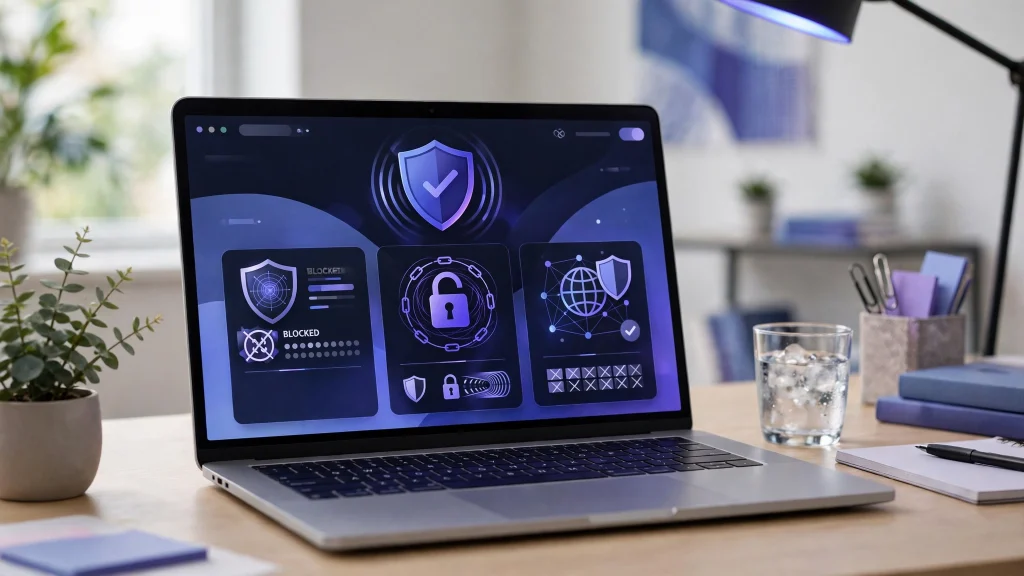
Tor Browser provides additional anonymity by routing internet traffic through multiple volunteer-operated relays. It is particularly useful when reducing exposure of your original IP address is important. However, signing into personal accounts can still reveal your identity.
4. Separate Your Online Identities
Using one email address and username everywhere makes it easier to connect your online activities.
Consider maintaining separate email addresses for personal communication, shopping, newsletters, and public registrations. Email aliases can also protect your primary address from unnecessary exposure.
When creating usernames, avoid including your real name, birth date, phone number, workplace, or other identifying details.
Use different usernames for unrelated accounts instead of repeating the same identity across multiple platforms. This reduces the likelihood that someone can connect your activities through simple searches.
5. Review Privacy and Permission Settings
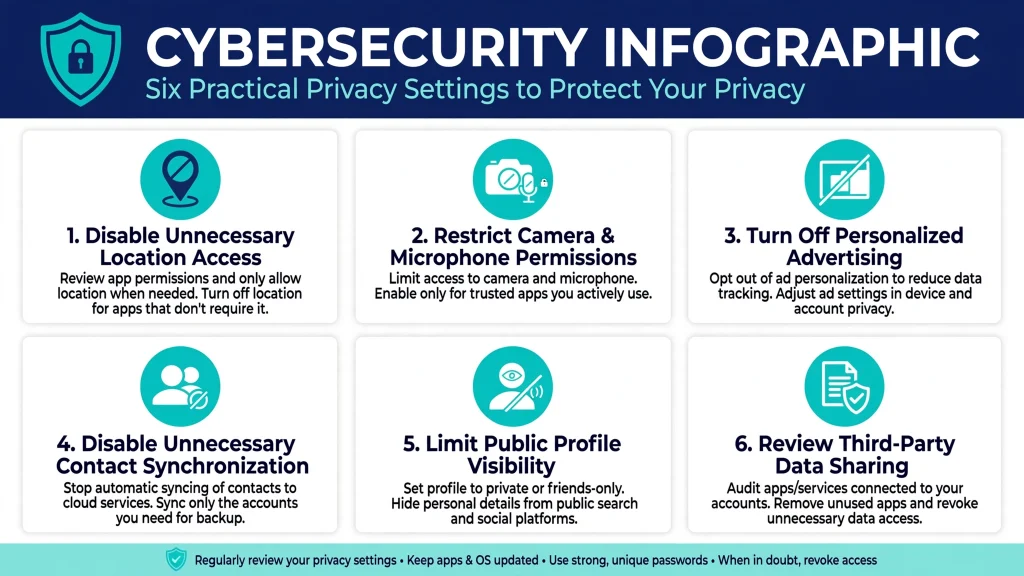
Applications frequently request access to information that is not essential to their main functions. Reviewing these permissions can reduce unnecessary data collection.
| Privacy setting | Recommended action | Main benefit |
|---|---|---|
| Location access | Disable when unnecessary | Limits location exposure |
| Camera and microphone | Restrict permissions | Reduces unnecessary access |
| Advertising settings | Disable personalization | Limits behavioral profiling |
| Contact synchronization | Turn off when unnecessary | Protects contact information |
| Public profiles | Hide personal details | Reduces identity exposure |
| Data sharing | Review permissions | Limits third-party collection |
Also review old accounts and delete those you no longer need. Where available, request deletion of personal information from services you have stopped using.
6. Be Careful When Using Public Wi-Fi
Public Wi-Fi networks in airports, hotels, cafes, and shopping centers can introduce security risks. Attackers may create malicious hotspots or attempt to intercept information transmitted through insecure connections.
Protect yourself by following these practices:
- Verify network names before connecting.
- Avoid accessing sensitive accounts on unfamiliar networks when possible.
- Use HTTPS websites.
- Connect through a trustworthy VPN when appropriate.
- Disable automatic Wi-Fi connections.
- Turn off unnecessary file-sharing features.
Remember that HTTPS encrypts communication between your browser and a website, but it does not hide your identity from that website.
7. Consider Tor for Greater Anonymity
Tor, short for The Onion Router, is a privacy network designed to make internet activity harder to trace to its original source.
Tor Browser routes traffic through multiple relays, making it more difficult for destination websites to identify your original IP address. This can be valuable for privacy-sensitive research and browsing without directly exposing your usual network address.
However, Tor has limitations. Connections can be slower, some websites block Tor traffic, and logging into personal accounts can identify you. Download the browser from its official website and keep it updated.

Avoid installing unnecessary extensions or changing advanced browser settings without understanding their privacy implications.
8. Limit Personal Information Shared Online
Privacy tools cannot protect you from information you voluntarily publish.
Social media posts, public photographs, comments, and discussion profiles can reveal your workplace, school, relationships, location, and daily routine.
Before sharing anything publicly, consider whether it contains identifying information. Check photographs for location metadata, especially when sharing images directly from your device.
Avoid publishing travel plans in real time, exposing personal documents, or participating in suspicious surveys that request unnecessary information.
A useful principle is to share only information that is necessary for the purpose of a particular platform.
9. Secure Your Accounts
Protecting your accounts is an important part of maintaining online anonymity. A compromised account can expose conversations, personal photographs, registration details, and other sensitive information.
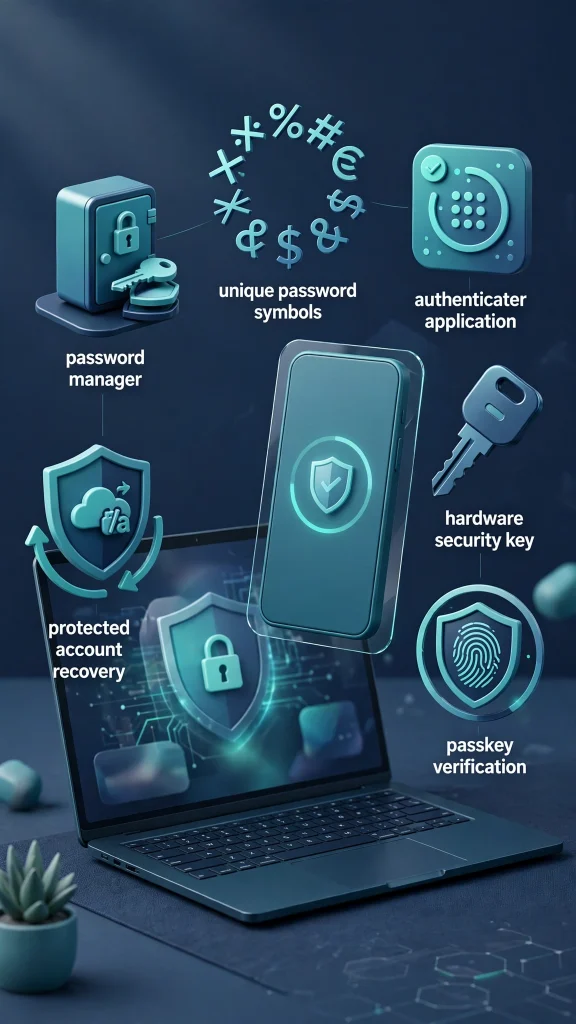
Use a reputable password manager to generate unique, complex passwords for different services. Avoid reusing passwords because a breach on one platform could compromise several accounts.
Enable multi-factor authentication (MFA), preferably through an authenticator application or hardware security key. Passkeys are another useful option for reducing password-related risks.
Keep recovery email addresses and phone numbers secure, and regularly review active account sessions for unfamiliar devices.
10. Maintain Good Online Privacy Habits
Online privacy requires regular attention. New applications, changing privacy policies, and security vulnerabilities can introduce risks over time.
Develop a simple maintenance routine:
- Update your operating system and browser regularly.
- Review application permissions every month.
- Remove unused accounts and extensions.
- Check for exposed email addresses in known data breaches.
- Review social media privacy settings.
- Reassess the security of your online accounts.
Consistency is more effective than relying on a single privacy tool.
Final Thoughts
Remaining anonymous online requires a combination of technology, awareness, and responsible browsing habits. VPN services, privacy-focused browsers, separate email identities, Tor, and strong account security can all help reduce unnecessary exposure.
No tool guarantees complete anonymity, particularly when you voluntarily share personal information or sign into accounts connected to your identity. However, understanding online tracking and consistently applying practical privacy measures gives you greater control over your digital footprint and makes unwanted identification considerably more difficult.